Head Bop AI Video Generator
Upload a clear pet or adult portrait and request rhythmic head movement. The entry preset is silent; add your chosen beat later.
New accounts receive 30 welcome credits. Starter video allowance: 1, at 30 credits per 5-second 480p clip with Seedance 1.0 Pro Fast. Sign-in is required to generate. Premium models use purchased credits. Pricing · AI Rap
Create a short head-bobbing clip from one pet or adult portrait. Edit the prompt for the subject, background and movement before generating. The entry preset outputs a silent vertical MP4. Add authorized music in an editor or publishing platform; motion and timing can vary.
The examples use the models shown below, which can differ from the starter preset. Current quotes are not historical charges, and availability can change. Use prompt copies only the text; your model, settings and photos stay selected. Outputs vary, and selected examples do not establish a success rate.
Hailuo 2.3 Fast
6s · 768p · 9:16
Output: 5.88s · 578×1028
AI-generated reference photos: 1
Record verified (UTC): 2026-10-16
Recorded prompt
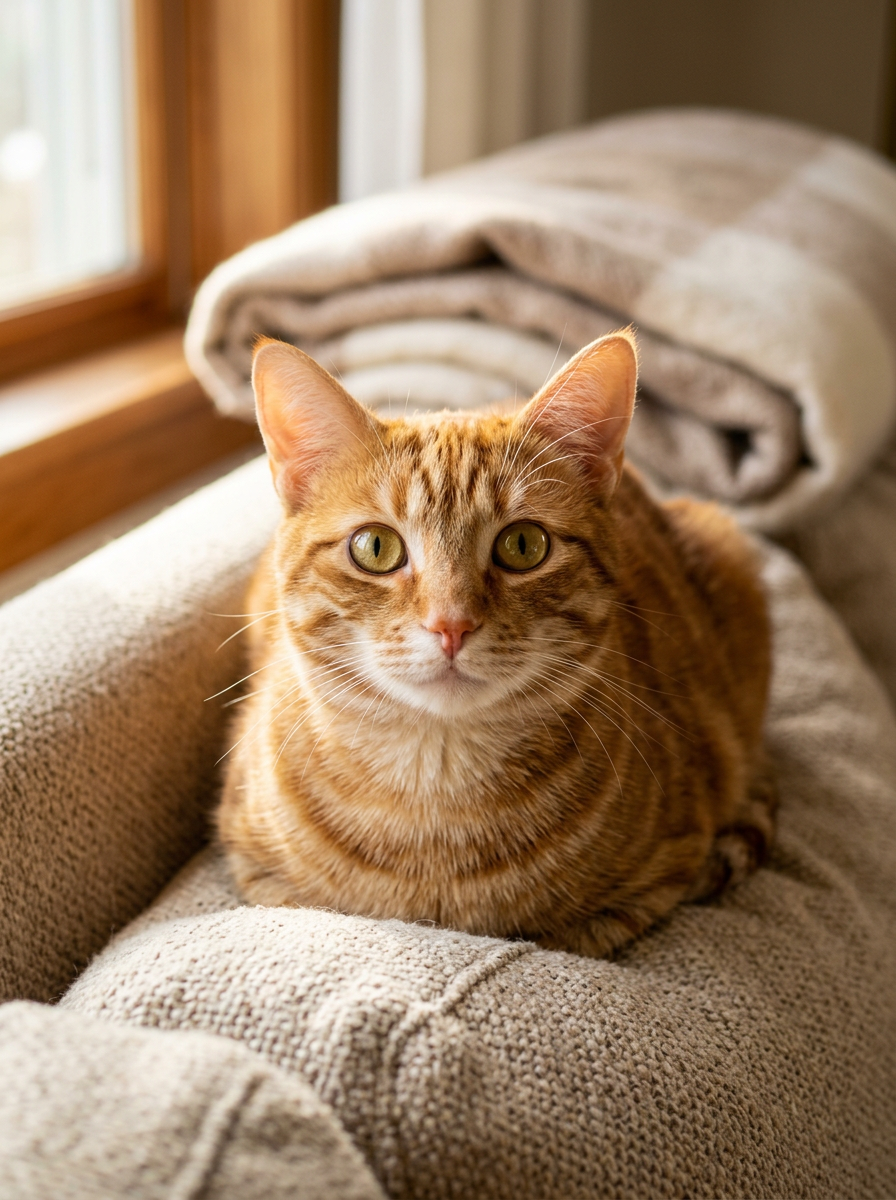
The orange tabby cat from the reference photo bobs its head rhythmically to an unheard beat, ears twitching in sync, eyes locked on the camera, cozy sofa and warm window light behind, small natural body sway, subtle slow push-in, photorealistic, vertical 9:16 composition, keep the cat face and fur pattern exactly as in the reference photo.
Hailuo 02
6s · 768p · 9:16
Output: 5.88s · 578×1028
AI-generated reference photos: 1
Record verified (UTC): 2026-10-16
Recorded prompt
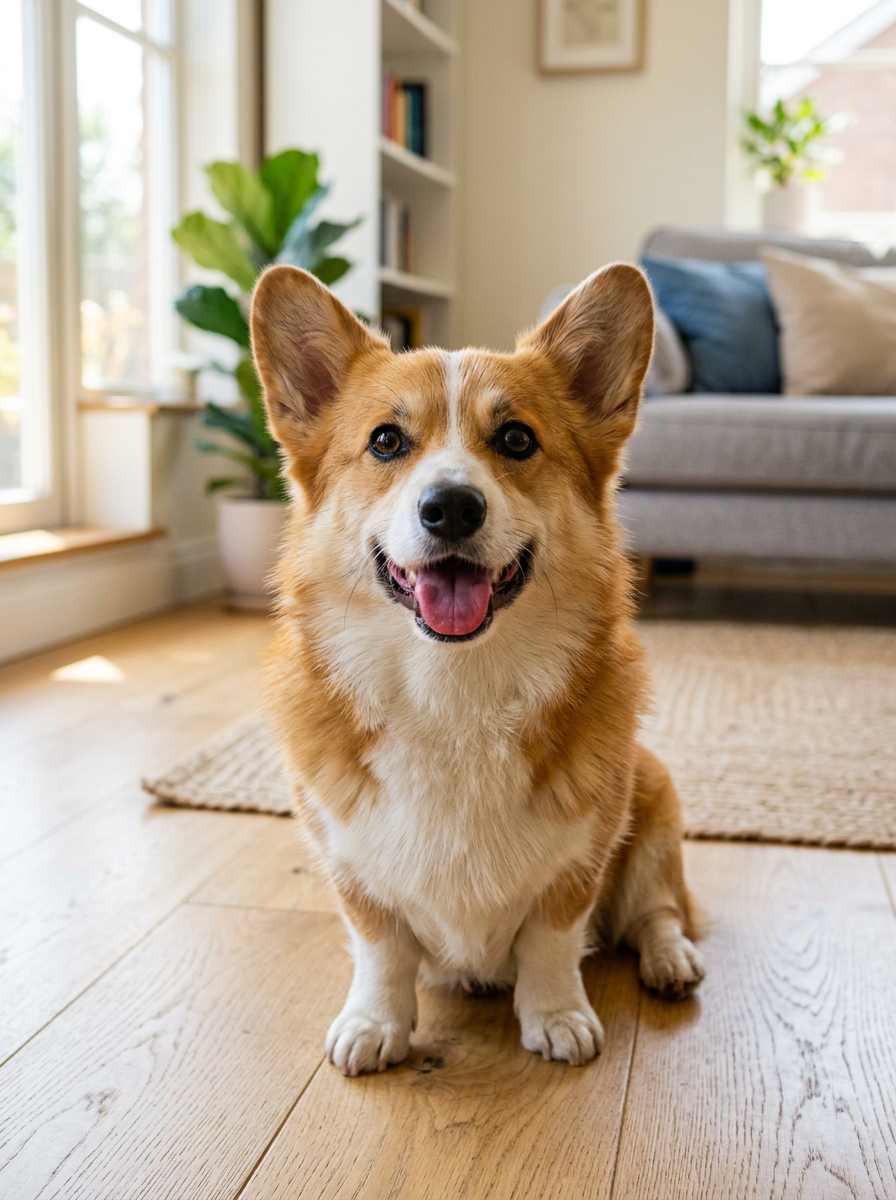
The corgi from the reference photo nods its head up and down to a rhythmic beat, tongue out and ears flopping slightly with each nod, happy expression, bright living room behind, gentle handheld camera feel, photorealistic, vertical 9:16 composition, keep the dog face and fur pattern exactly as in the reference photo.
Seedance 2.0 Mini
4s · 480p · 9:16
Output: 4.04s · 422×752
AI-generated reference photos: 1
Record verified (UTC): 2026-10-16
Recorded prompt
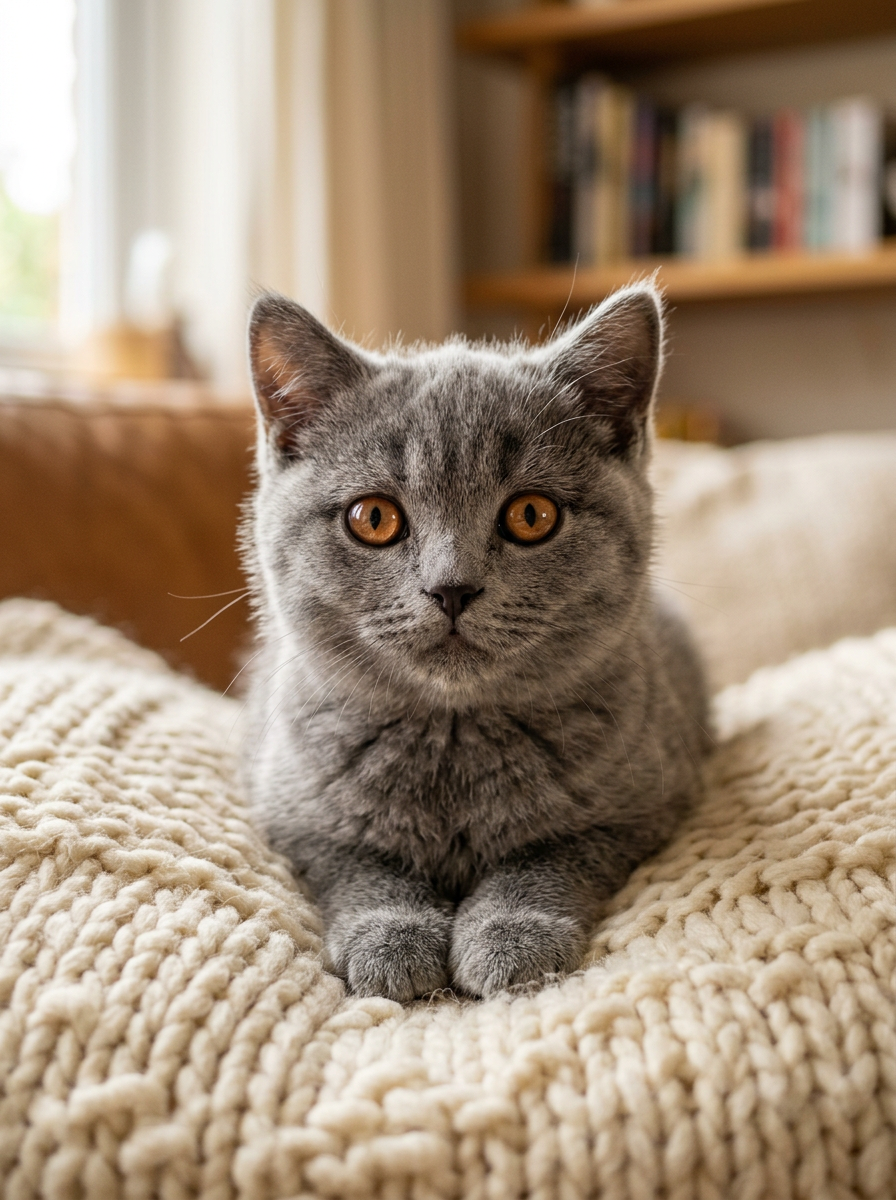
The grey British shorthair kitten from the reference photo bops its head side to side to a beat, copper eyes fixed on the camera with a curious tilt, knitted cushion and warm soft light behind, tiny paw lift at the end, subtle zoom-in, photorealistic, vertical 9:16 composition, keep the kitten face and fur pattern exactly as in the reference photo.
How it works
- 1
Upload one clear pet or adult portrait
- 2
Edit the head-bop prompt for your subject and scene
- 3
Check the credit quote and generate a silent entry clip
- 4
Download MP4 and align authorized music in your editor
Who is this tool for?
Pet and portrait edits
Try a short head-bobbing motion with your pet or an authorized adult portrait and inspect the result before sharing.
Your pet's first music video
Turn the photo already on your phone into your cat or dog nodding along to a beat — no camera, no editing timeline, no app install.
Scroll-stopping hooks
Use a short head movement as an opening shot and align it with your beat during editing.
Friend and pet roasts
Drop a friend's photo (with their OK) or a sleepy pet portrait into the bop generator and send the clip straight to the group chat.
Free to try, no subscription
Welcome credits cover one entry clip. Download MP4 and check the quote before selecting longer clips or premium models.
What should you know before you start?
What is the head bop AI trend?
It is a viral short-video format where a cat, dog or person bobs their head to a beat — usually cut to the drop of a trending song. The AI version turns a single photo into that head-bobbing clip with image-to-video models, so no app install or template editing is needed.
How do I make a head bop video from a photo?
Upload one clear photo above — the head-bop prompt is pre-filled — then hit generate. The AI renders a vertical clip of the pet or person in your photo bobbing to an unheard beat. You can edit the prompt to change the setting or the motion style before rendering.
Does it work for dogs and people, not just cats?
Yes. The default prompt is tuned for pets because cats lead the trend, but it works for any subject with a visible face. For a person, swap the wording to 'the person from the reference photo' — or start from the gallery prompts and edit from there.
Does the generated video have sound?
The entry preset is silent. Add music you have permission to use through an editor or your publishing platform. Song availability and permitted uses depend on the platform, account and region.
Can I turn the clip into a GIF?
Yes. The export is a clean vertical MP4; any free converter (or your editor's export menu) can turn it into a looping GIF. Many creators post the MP4 directly — platforms loop short clips automatically, which reads exactly like a bopping GIF.
Is the head bop AI video generator free?
New accounts receive 30 welcome credits. Starter video allowance: 1, at 30 credits per 5-second 480p clip with Seedance 1.0 Pro Fast. Sign-in is required to generate. Premium models use purchased credits.
Ready to create your first AI video?
Start free with starter credits — no watermark on downloads, and upgrade anytime for higher resolutions and premium models.
Related AI video tools
Where can I share an AI video?
Choose the format, soundtrack and AI label for your publishing platform. These official guides explain the options.
YouTube Shorts format
YouTube describes square or vertical videos up to three minutes as Shorts. Choose a vertical export when you want that layout.
TikTok music for businesses
TikTok provides a Commercial Music Library for business content. Check a track’s permitted placements before adding it to a silent template.
YouTube AI disclosure
YouTube explains when realistic AI scenes and generated music need disclosure. Check its upload guidance before sharing your performance.