Burning Bridges AI Video Generator
Upload one adult portrait and edit the pre-filled party-walk prompt. Check the settings and credit quote, then add your own authorized music after download.
New accounts receive 30 welcome credits. Starter video allowance: 1, at 30 credits per 5-second 480p clip with Seedance 1.0 Pro Fast. Sign-in is required to generate. Premium models use purchased credits. Pricing · AI Rap
Create a party-walk scene from one adult portrait: warm indoor lights, an approach toward the camera and relaxed gestures. The prompt and vertical format are pre-filled and editable. The entry preset produces a silent MP4; add music you are allowed to use when publishing. AI motion and facial details can differ from your prompt.
The examples use the models shown below, which can differ from the starter preset. Current quotes are not historical charges, and availability can change. Use prompt copies only the text; your model, settings and photos stay selected. Outputs vary, and selected examples do not establish a success rate.
Grok Imagine Video 1.5
3s · 480p · 9:16
Output: 3.04s · 360×640
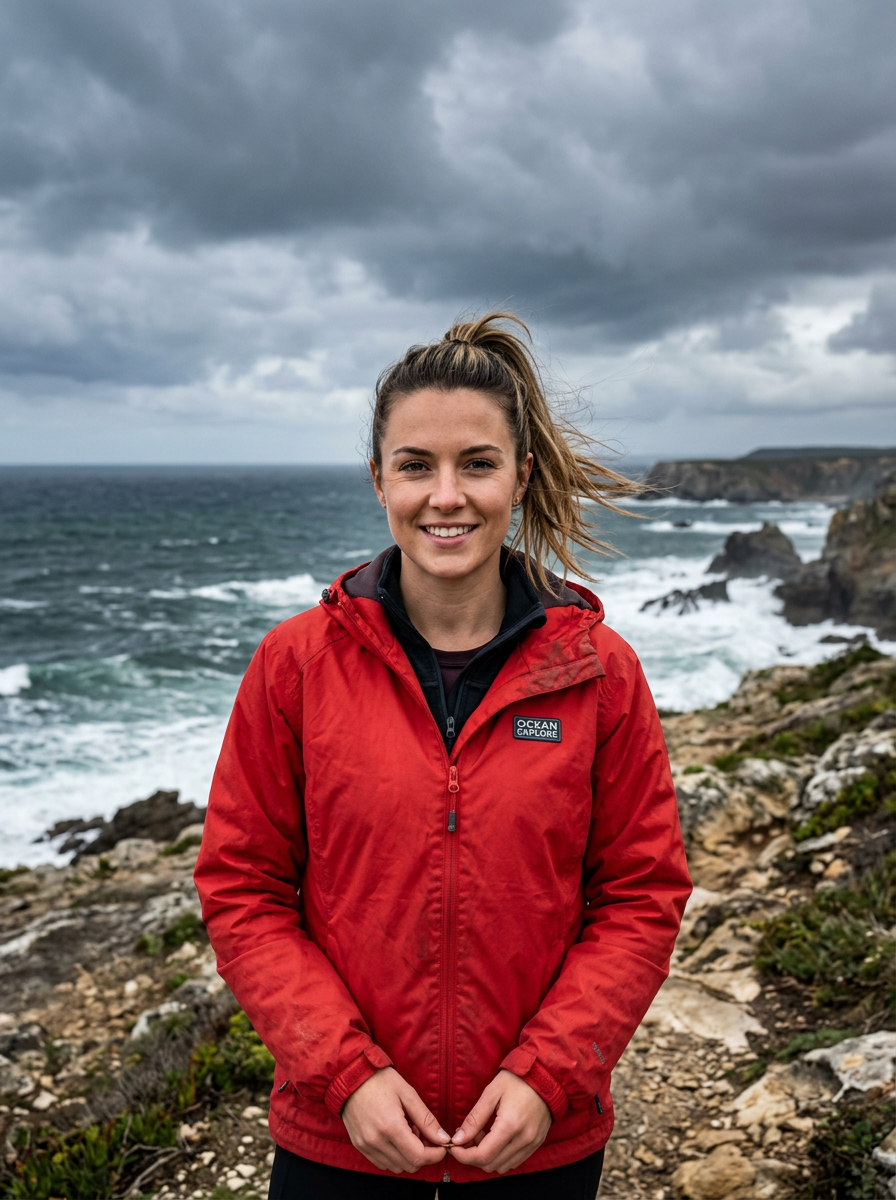
AI-generated reference photos: 1
Record verified (UTC): 2026-10-16
Recorded prompt
The person from the reference photo walks toward the camera through a warm-lit indoor party, blurred crowd and hanging lights behind them, leans in and smiles, raises a metal cup and waves, then rests a hand on their forehead and points at the camera, handheld camera feel, cinematic, photorealistic, vertical 9:16 composition, keep the face exactly as in the reference photo.
Gemini Omni Flash
3s · 720p · 9:16
Output: 3.00s · 720×1280
Text prompt; no reference photos
Current quote: 280 creditsRecord verified (UTC): 2026-10-16
Recorded prompt
Two people walk up side by side through a warm-lit indoor party, blurred crowd and hanging lights behind them, they lean in and smile, raise metal cups and wave at the camera, then point at the viewer, handheld camera feel, cinematic, photorealistic, vertical 9:16 composition
Kling 3.0 Turbo
3s · 720p · 9:16
Output: 3.04s · 720×1280
Text prompt; no reference photos
Current quote: 250 creditsRecord verified (UTC): 2026-10-16
Recorded prompt
A couple moves through a warm-lit indoor party, they laugh together and raise their cups, one rests a hand on their forehead while the other points at the camera, blurred party crowd bokeh, handheld camera feel, cinematic, photorealistic, vertical 9:16 composition
How it works
- 1
Upload one photo — a clear, frontal shot of one person works best
- 2
The trend-style prompt template comes pre-filled; tweak the scene or leave it as is
- 3
Generate with starter credits — the default preset outputs a 9:16 vertical clip
- 4
Download the MP4, then add the trend's sound from TikTok or Reels when you post
Who is this tool for?
Party-walk edits
Use the party-walk scene as a starting point for your own short edit, then add music you are allowed to use.
Solo party-walk clips
One photo is all it takes: your walk-up, cup raise and wave become a ready-to-post vertical clip.
Duo and couple moments
Upload one photo with both people in the same frame to try a two-person party walk — friends, siblings and couples all work.
Scroll-stopping hooks
Open a longer video with the party-walk format: the recognizable beat pattern stops thumbs in the first second.
Free to try, no subscription
Unlike paid single-purpose trend tools, starter credits cover your first clips and every export is a clean MP4 with no watermark.
What should you know before you start?
What is the Burning Bridges AI trend?
It's a viral AI video format where a photo of you becomes a party-walk clip: you walk up to the camera in a warm-lit indoor party, lean in, smile, raise a cup and wave. Creators generate it from one photo with image-to-video models, then add the Burning Bridges song from their platform's library when posting.
Is the Burning Bridges AI video generator free?
New accounts receive 30 welcome credits. Starter video allowance: 1, at 30 credits per 5-second 480p clip with Seedance 1.0 Pro Fast. Sign-in is required to generate. Premium models use purchased credits.
Which song is the Burning Bridges trend using?
The entry preset is silent. Add music you have permission to use through an editor or your publishing platform. Song availability and permitted uses depend on the platform, account and region.
What photo works best for the Burning Bridges AI video?
One clear, frontal photo of a single person, well lit, face unobstructed by hats or hands. Group shots and side angles make face consistency harder; if the face drifts, switch to Wan 3.0 or Seedance 2.0 in the model picker.
Can I use someone else's photo?
Only upload photos of yourself or of people who have agreed to appear in your video, and never photos of celebrities or public figures. Your photos are not published or shown to other users; generation runs through third-party model providers as described in the privacy policy.
Can I add the music to my video here?
The entry preset is silent. Add music you have permission to use through an editor or your publishing platform. Song availability and permitted uses depend on the platform, account and region.
Ready to create your first AI video?
Start free with starter credits — no watermark on downloads, and upgrade anytime for higher resolutions and premium models.
Related AI video tools
Where can I share an AI video?
Choose the format, soundtrack and AI label for your publishing platform. These official guides explain the options.
YouTube Shorts format
YouTube describes square or vertical videos up to three minutes as Shorts. Choose a vertical export when you want that layout.
TikTok music for businesses
TikTok provides a Commercial Music Library for business content. Check a track’s permitted placements before adding it to a silent template.
YouTube AI disclosure
YouTube explains when realistic AI scenes and generated music need disclosure. Check its upload guidance before sharing your performance.